
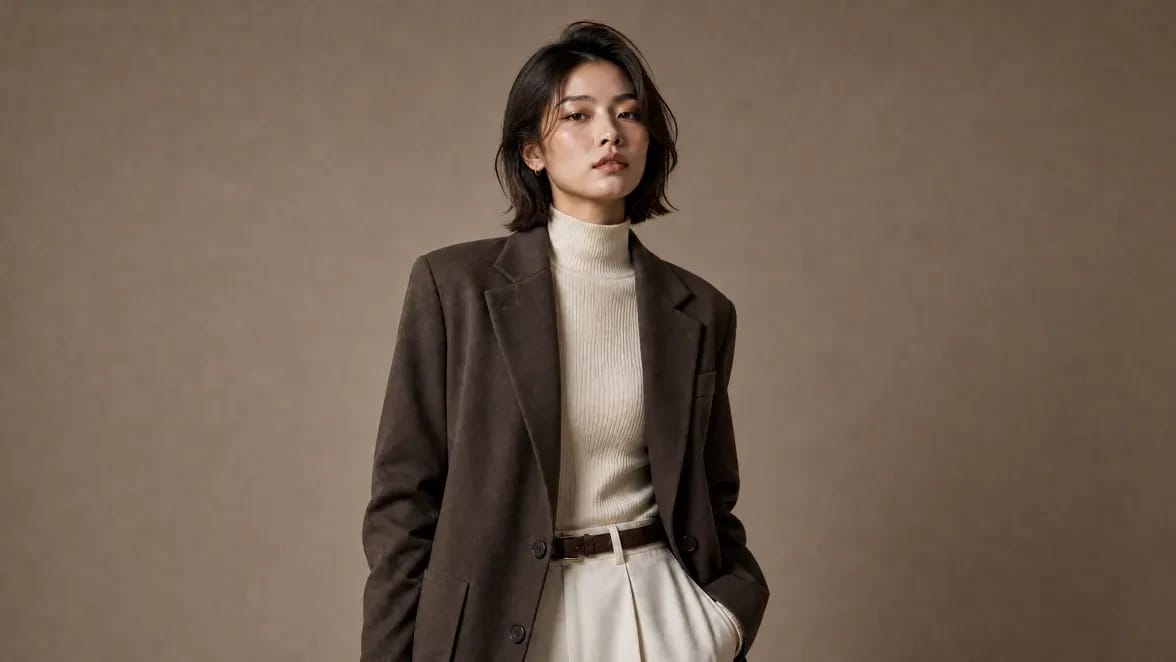
Free online AI image generator
Create images from text, image to image, and image to video with GPT Image, Nano Banana, Seedream, and every top model in one image generator.
No credit card required.
Generate AI images,edit, and animate them
Create images with the world's top models, edit them in seconds, and bring them to life with voice and music.
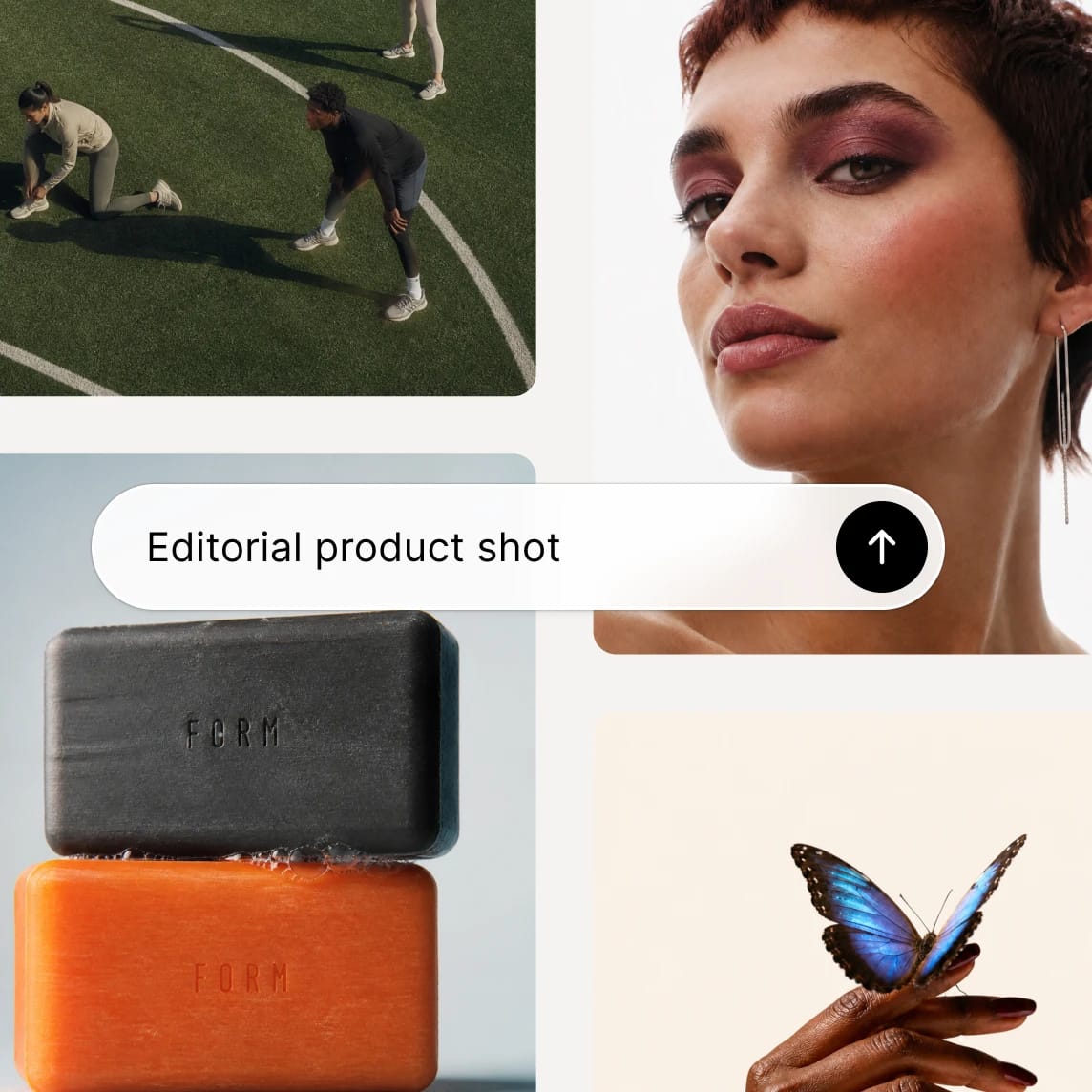
Generate
Write a prompt, select a model, and get your image. GPT Image, Nano Banana, Seedream, and all the latest models in one place.
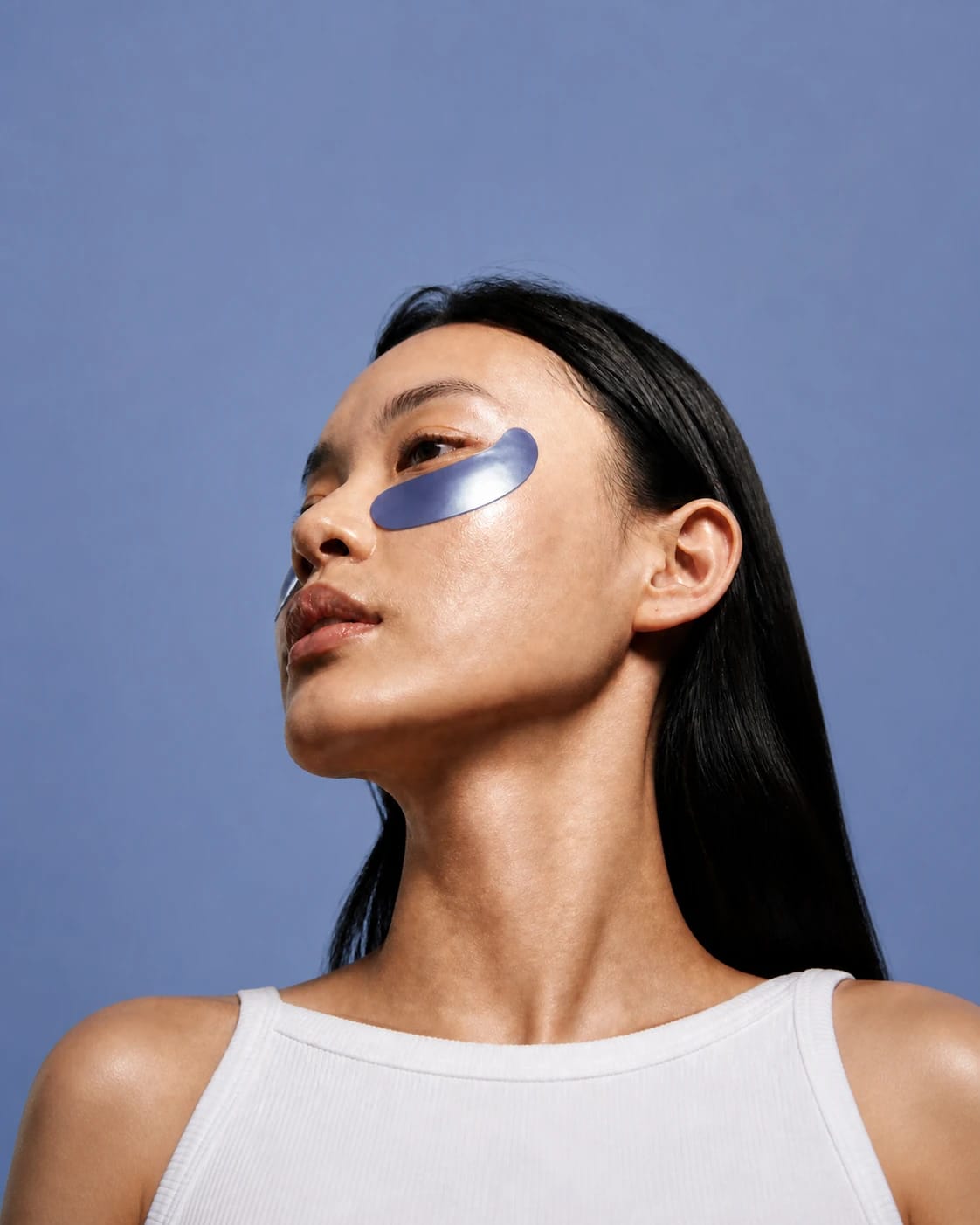
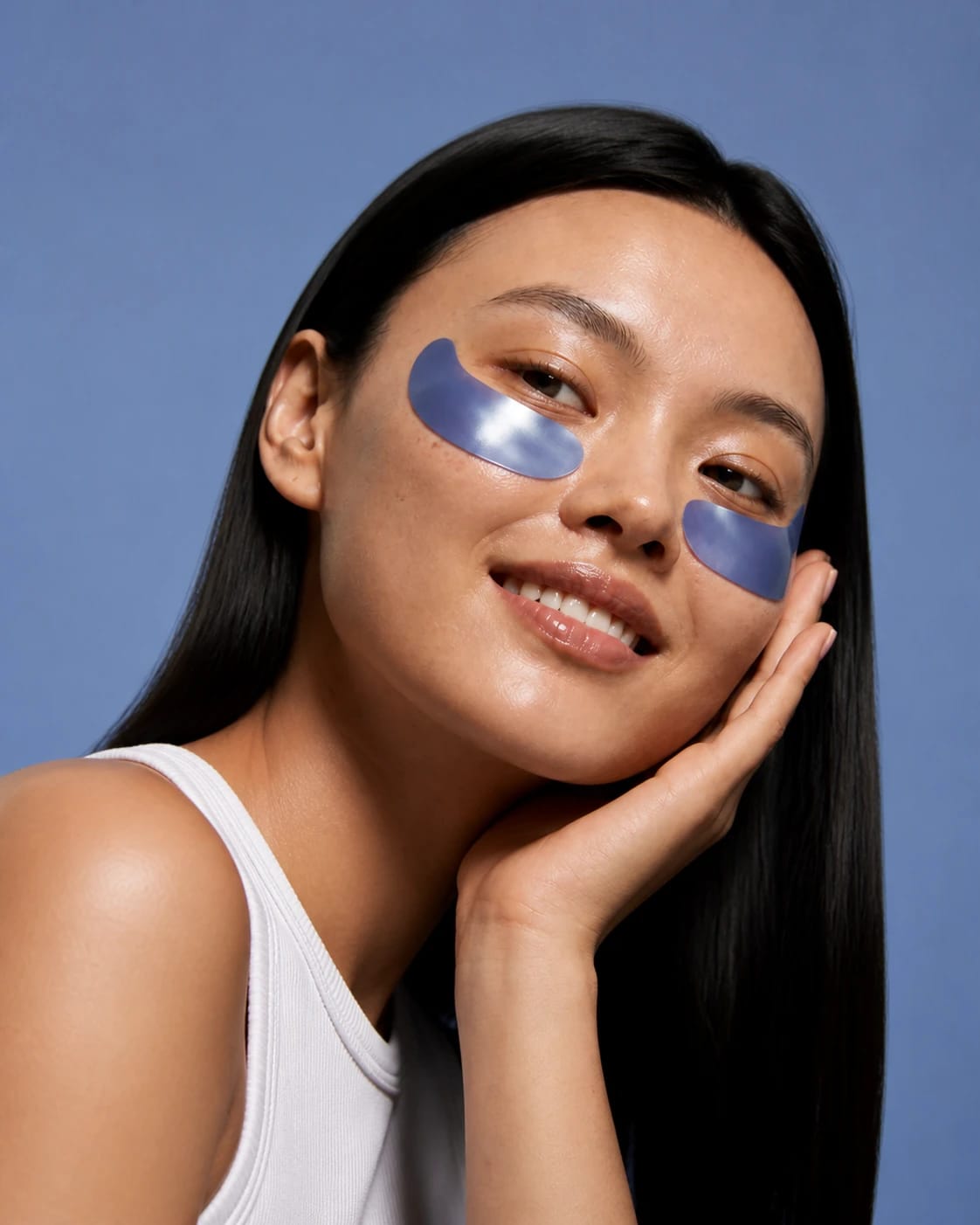
Edit
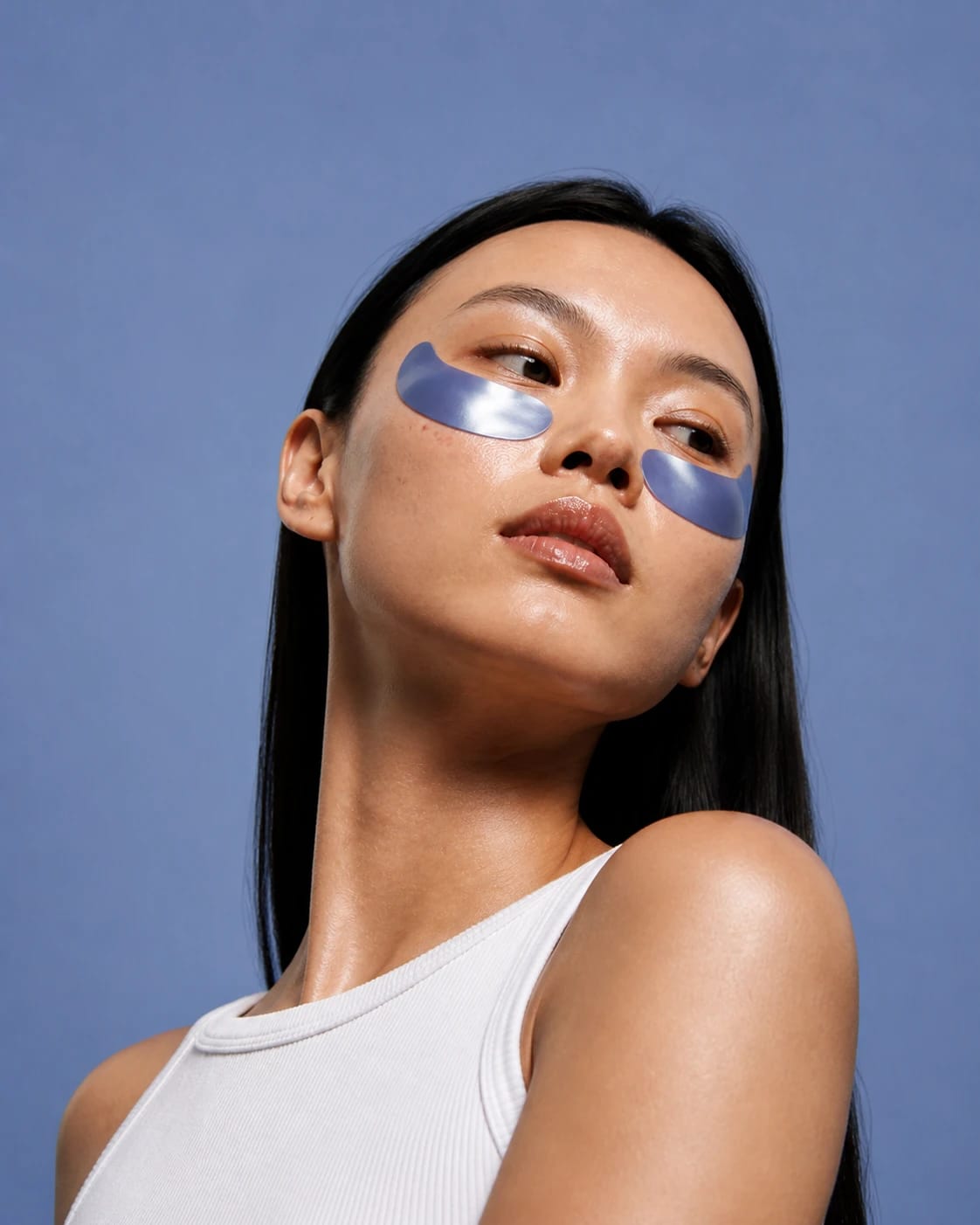
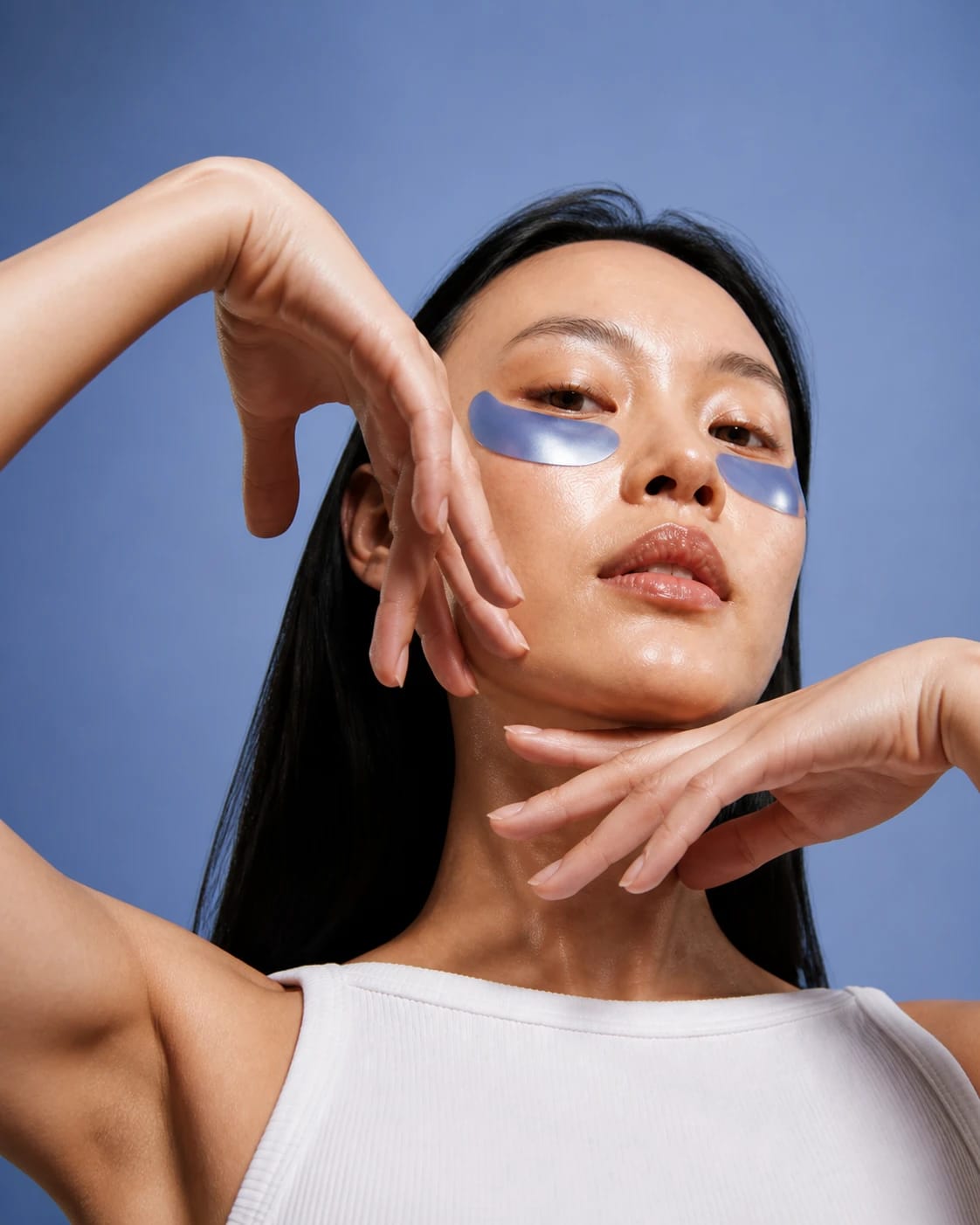
Image to image editing with a prompt: describe the change, restyle it, fix details, or upscale to 4K.
Animate
Turn any image into a talking photo, or a video with voice and music. No other image generator can bring your AI images to life.
One AI art and image generator, every shot in one place
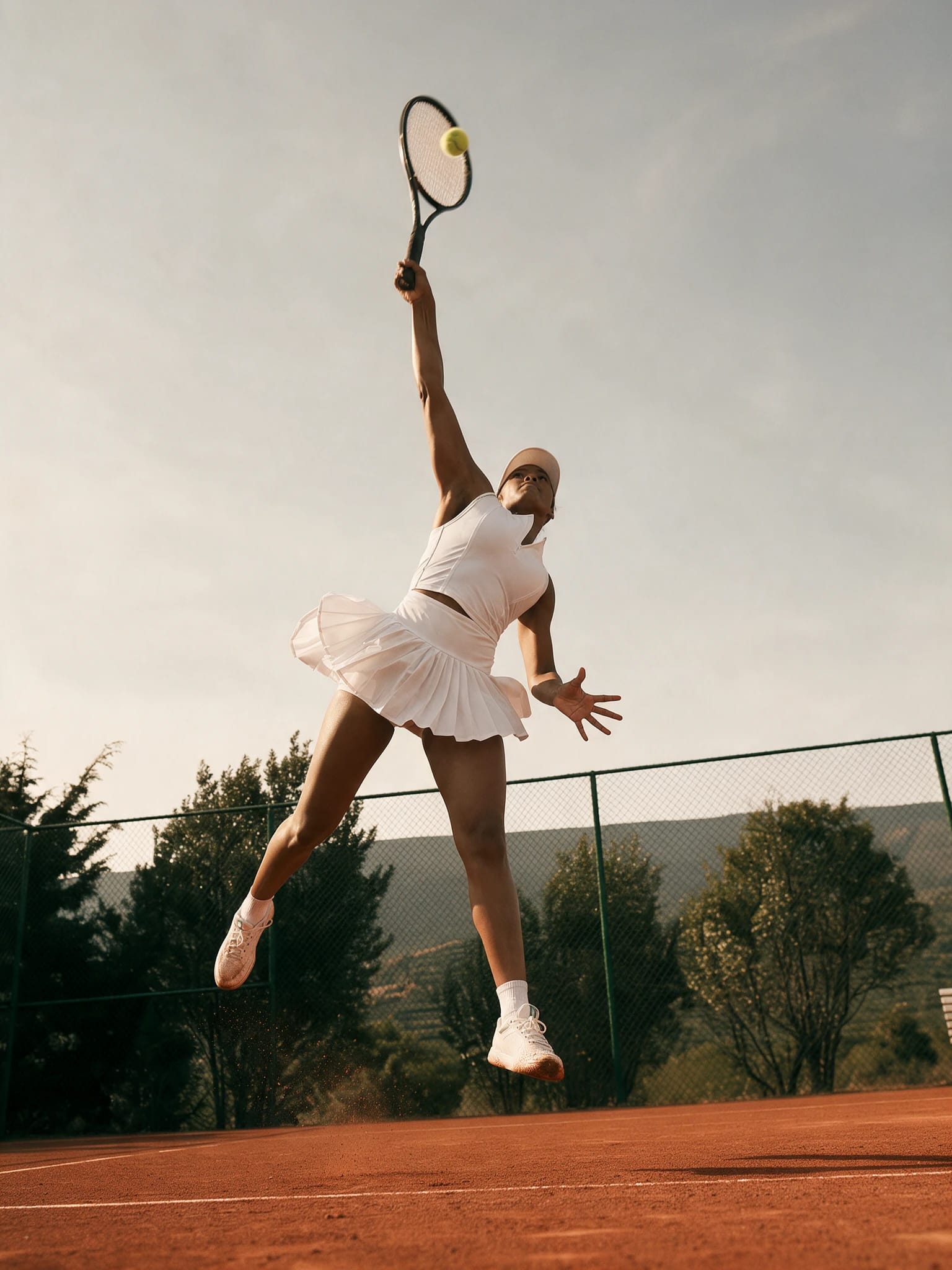
Background removal
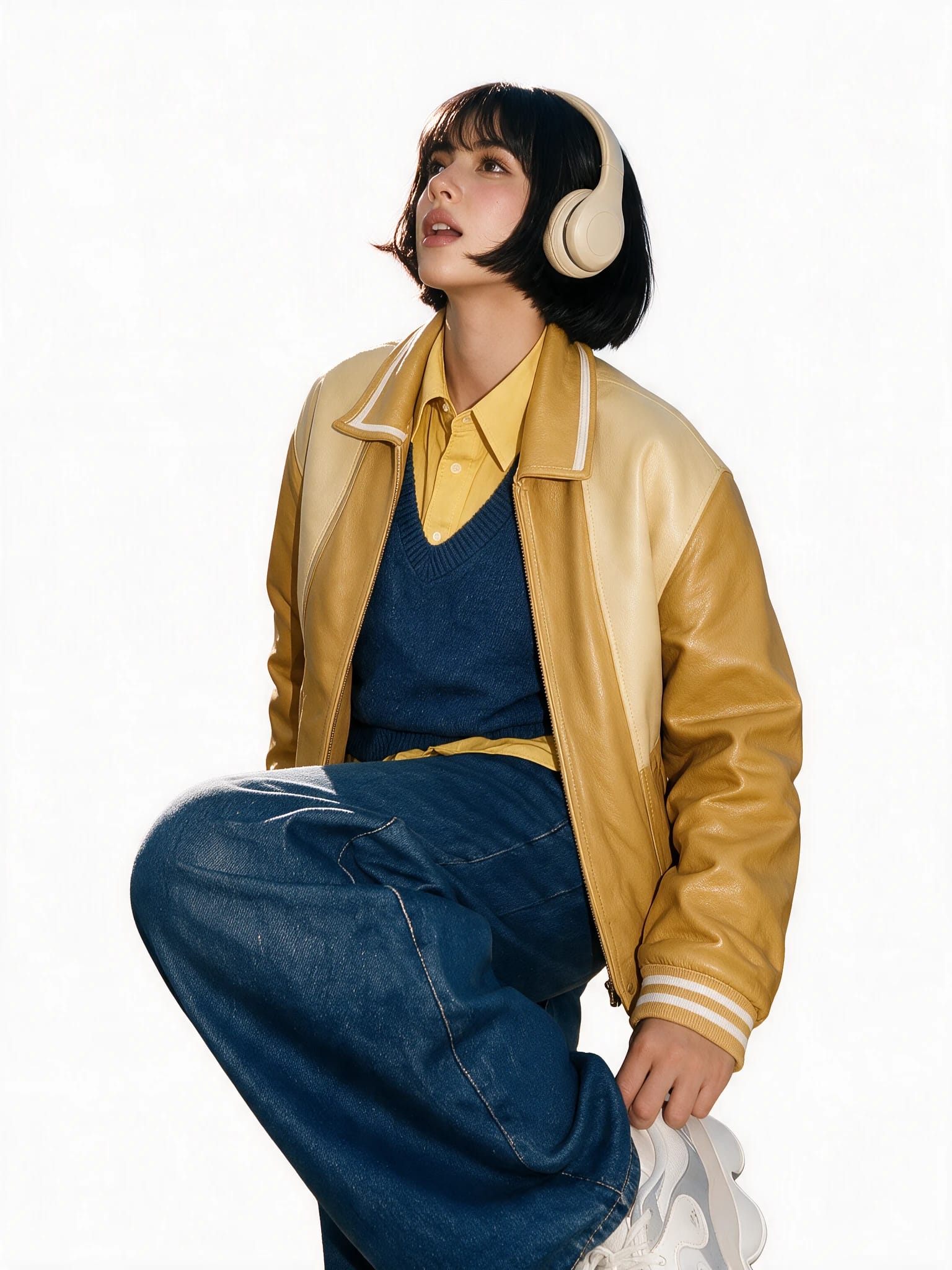
Cut the subject out clean: the background remover handles hair, glass, and soft edges in one click.
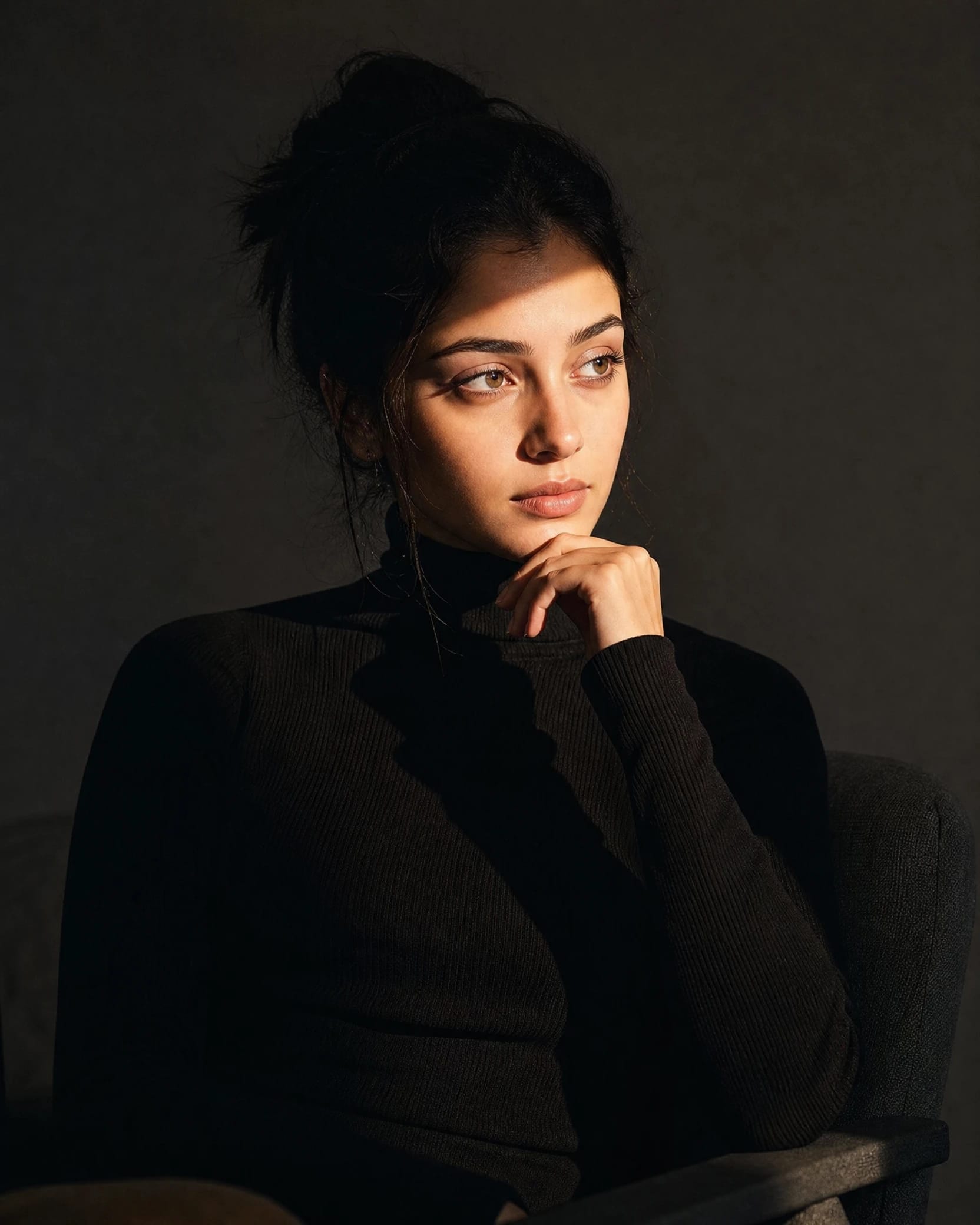
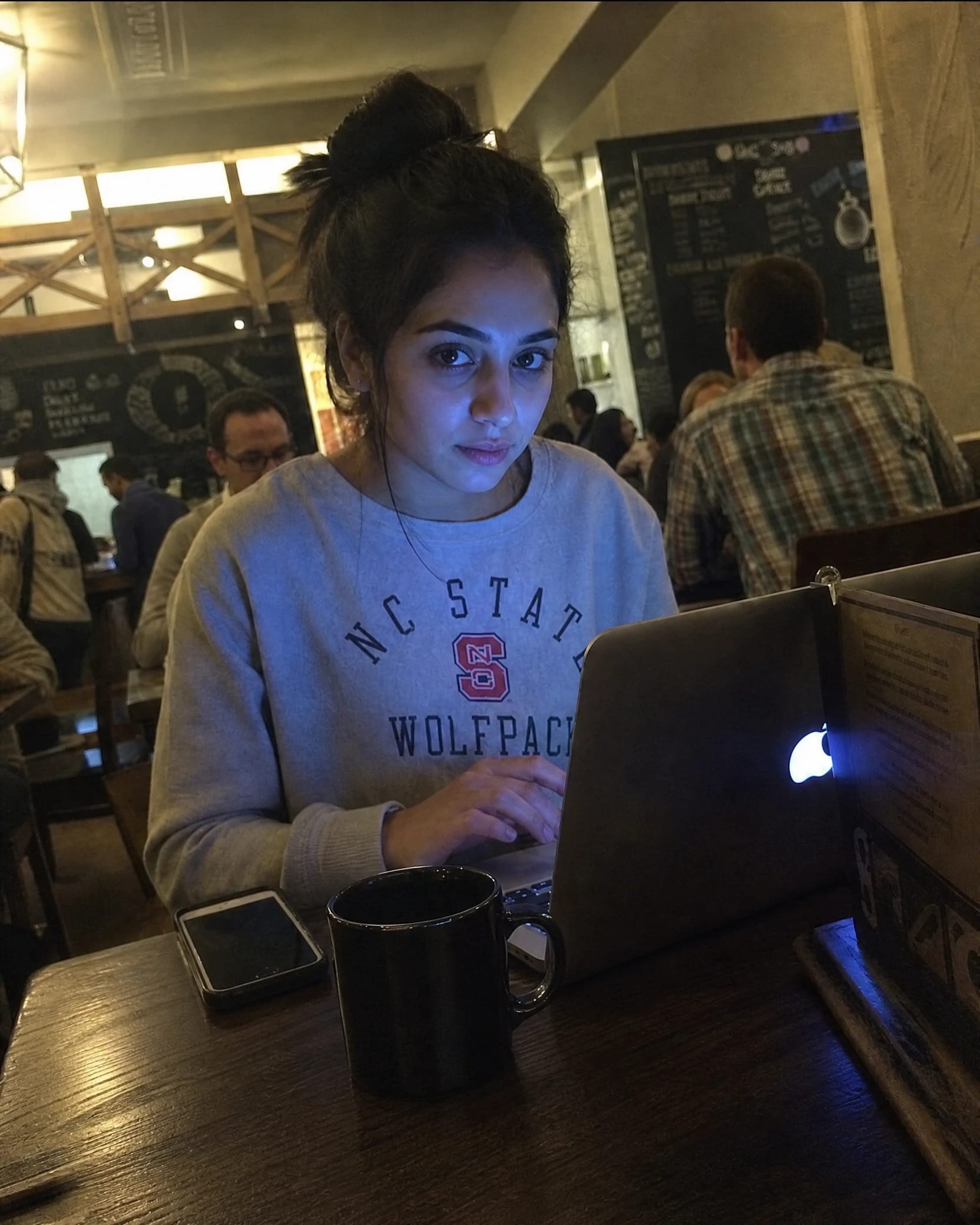
Headshots
One selfie in, a full set out: the AI headshot generator keeps lighting, wardrobe, and backdrop consistent.
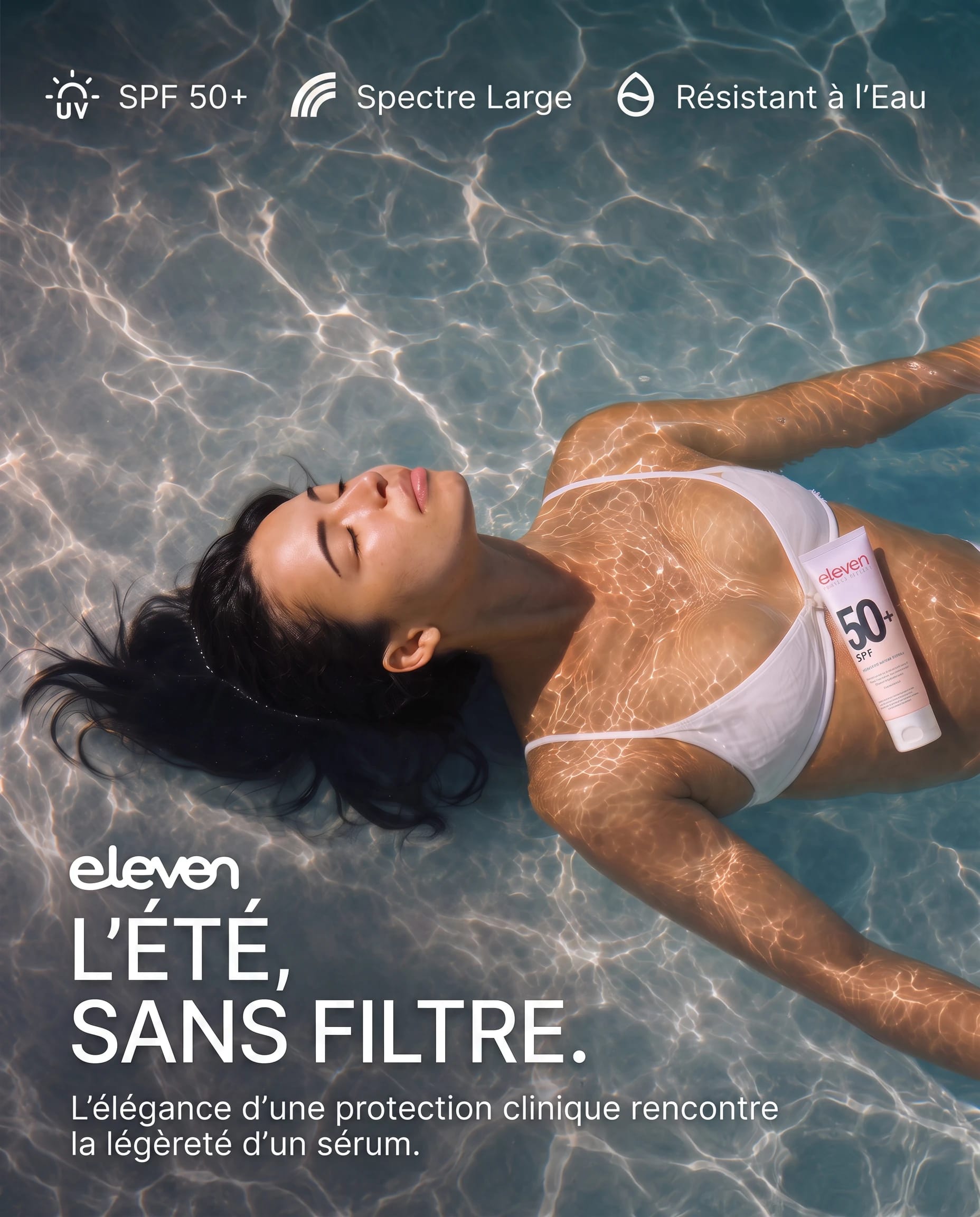
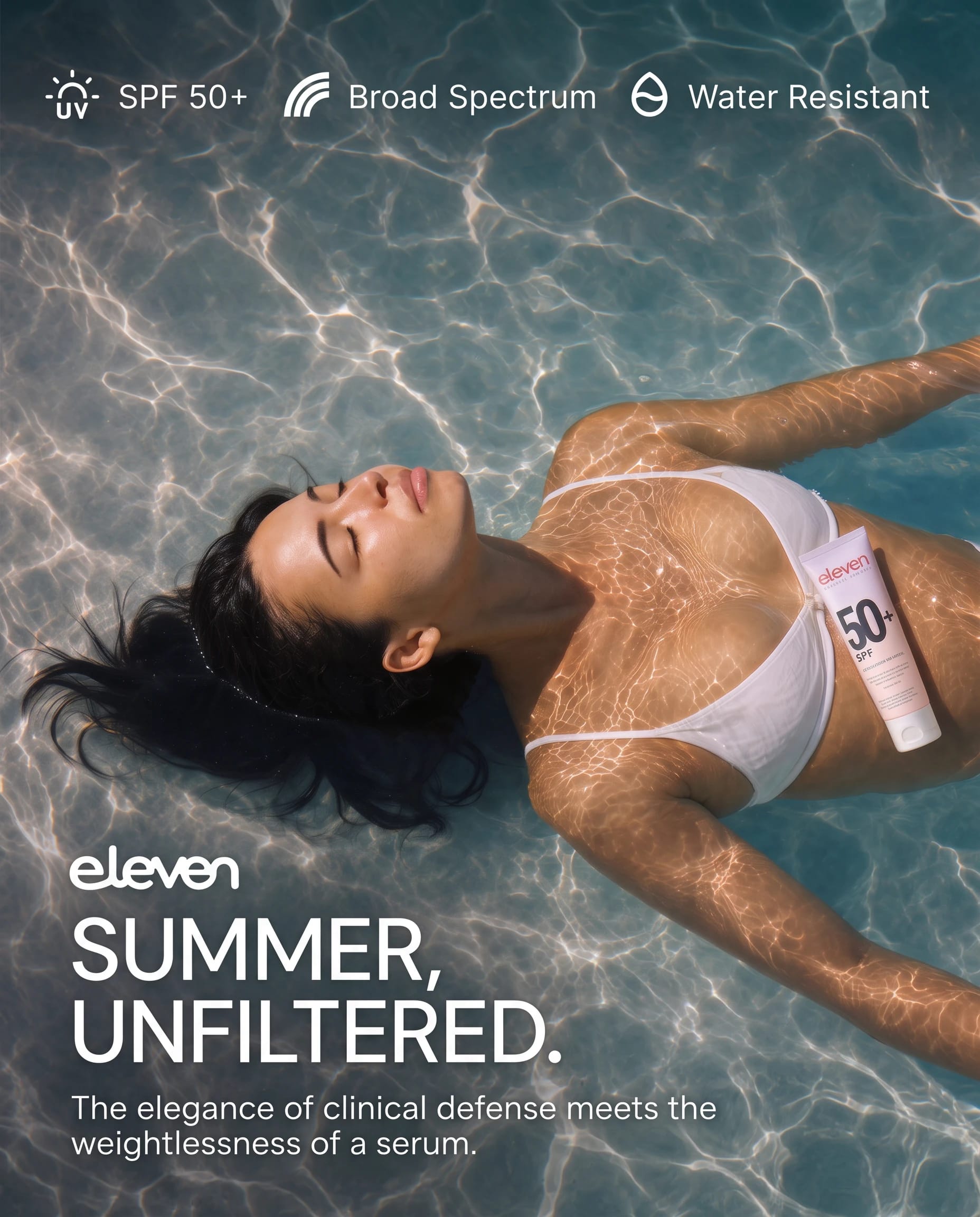
Translation
Swap the text inside posters, menus, and screenshots with the image translator, layout intact.
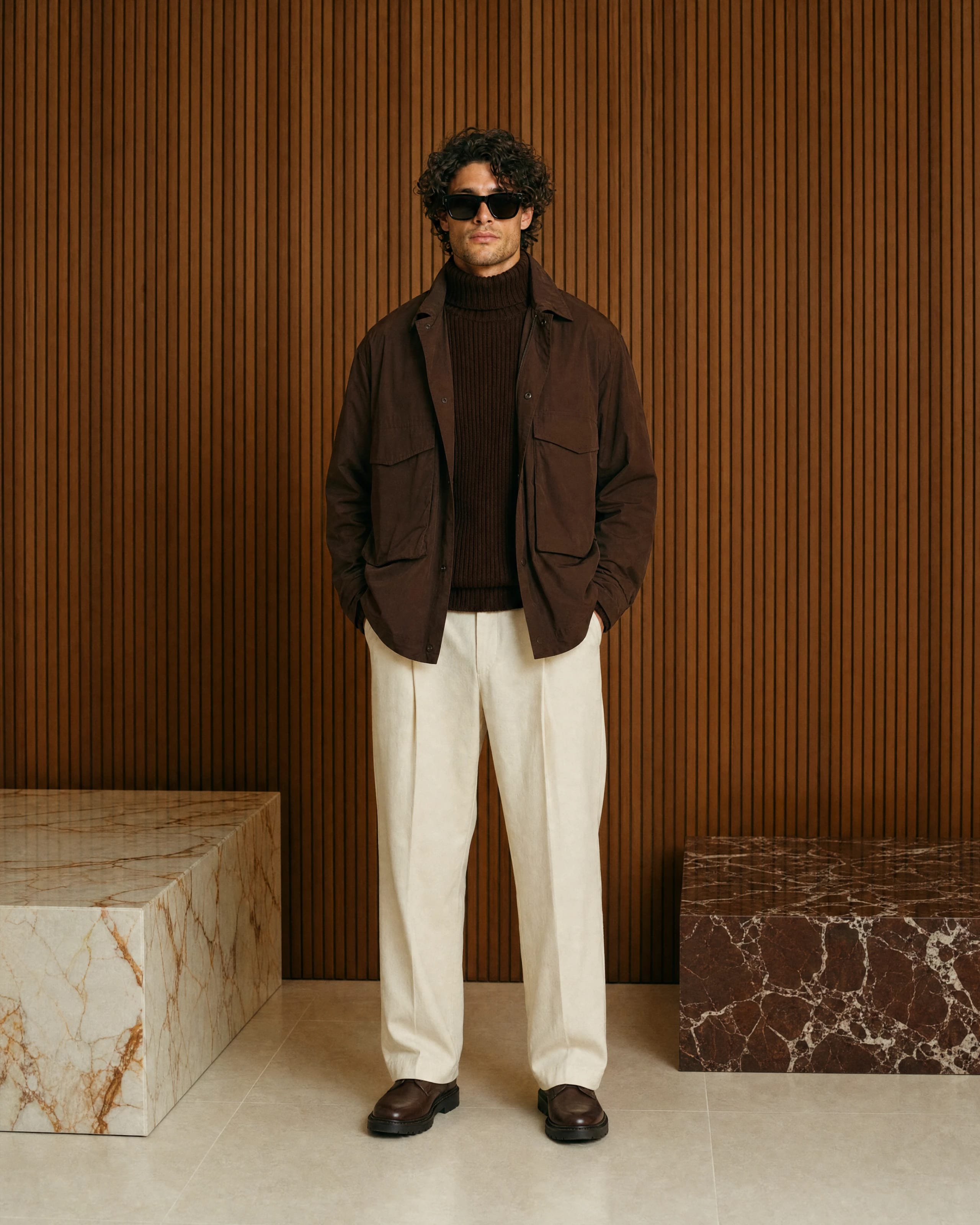
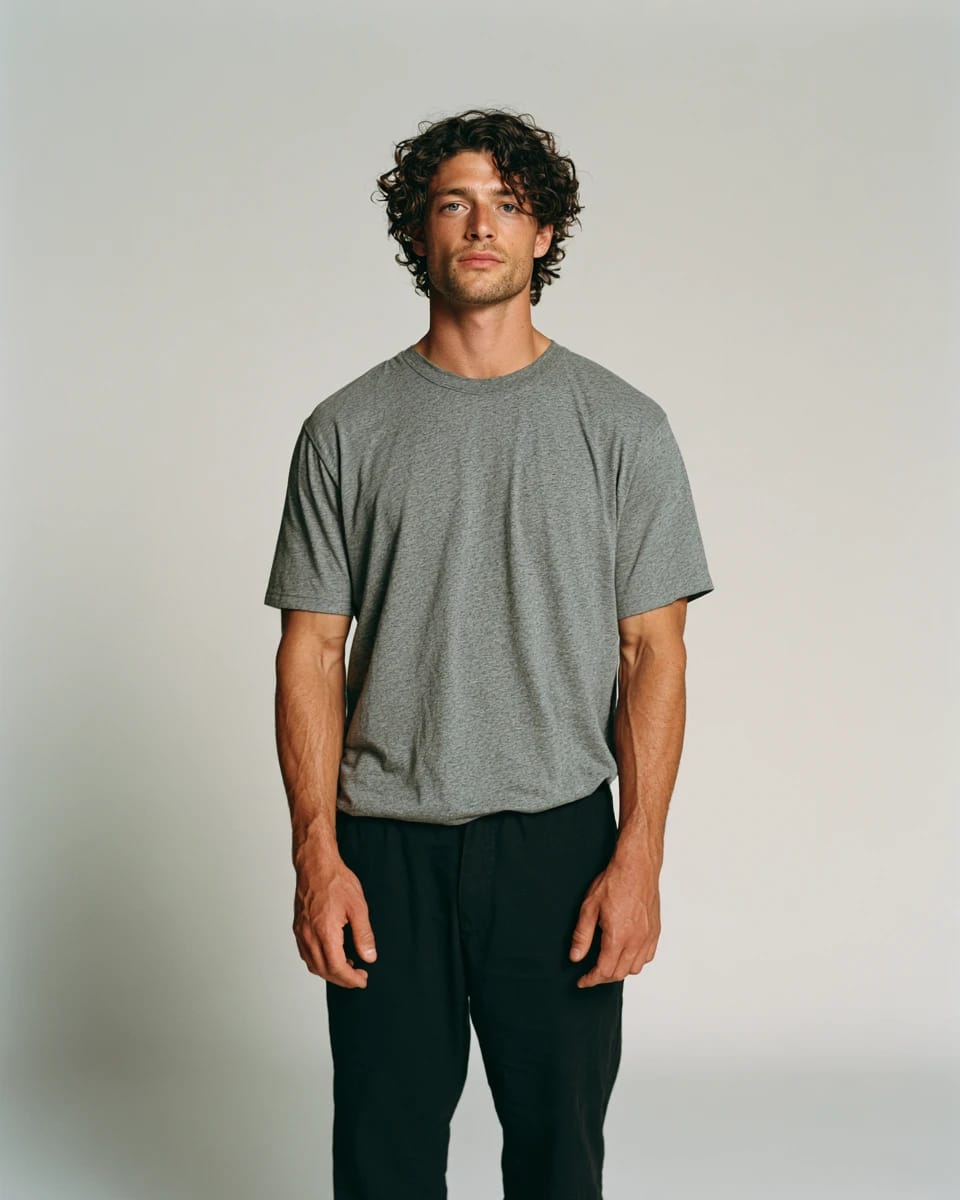
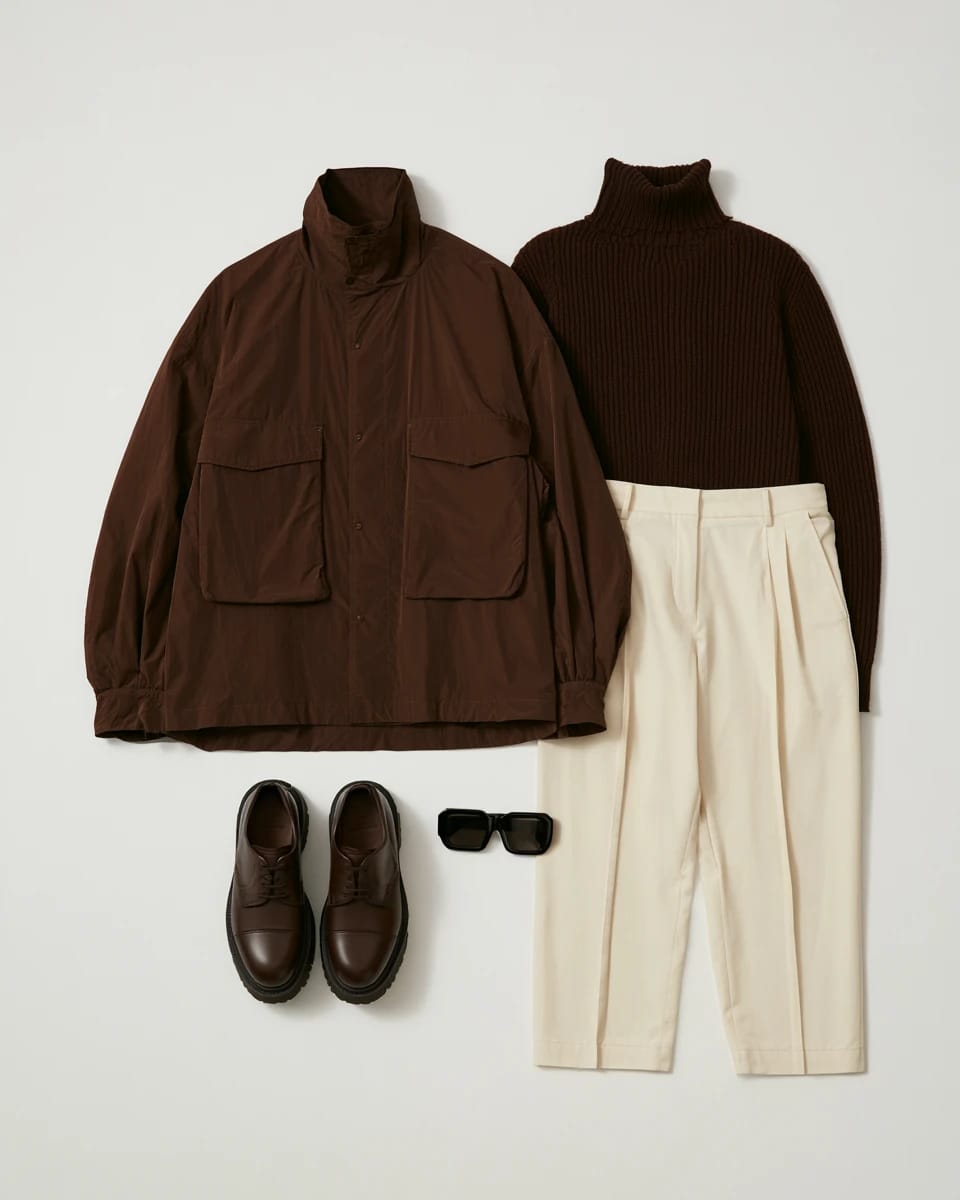
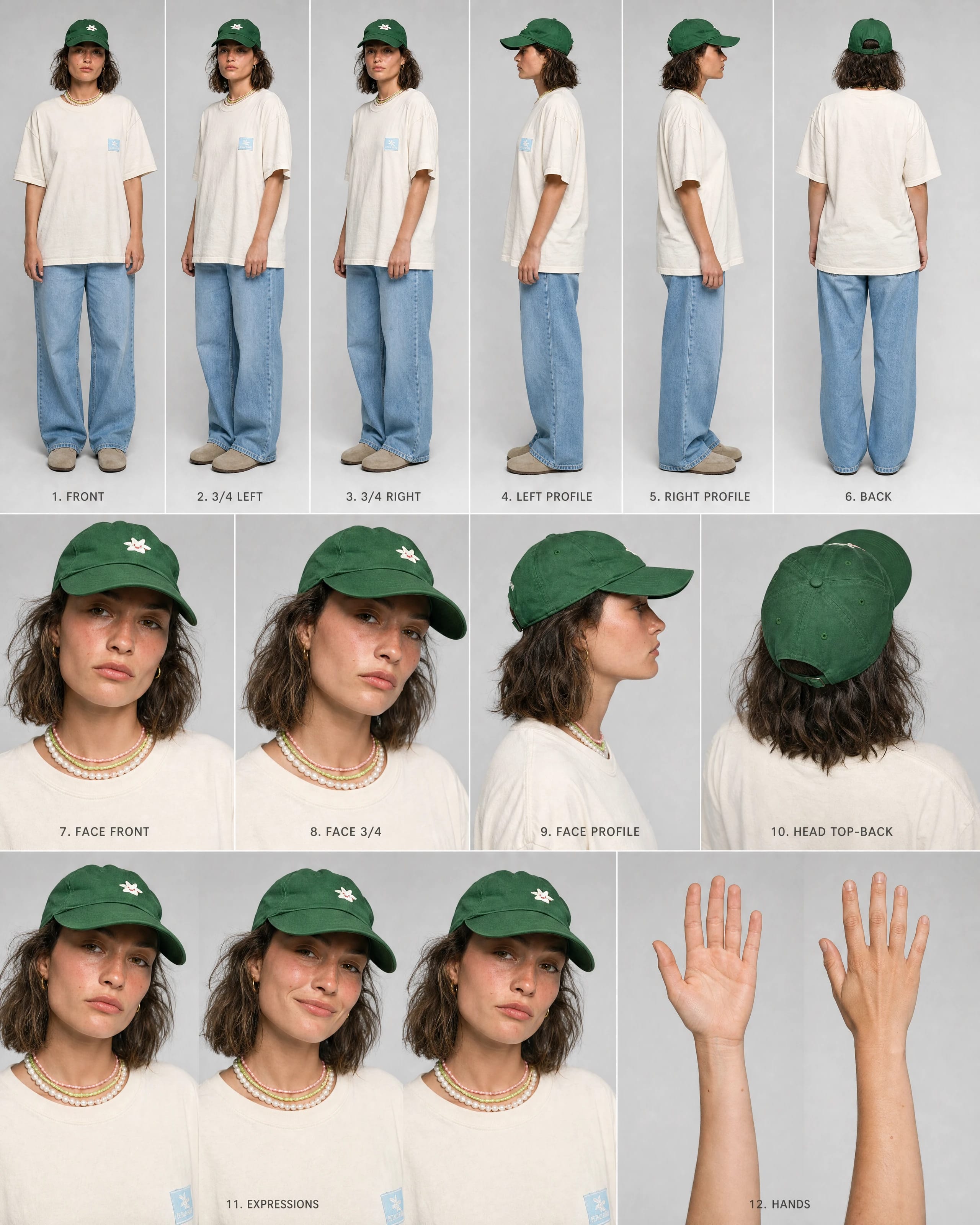
Outfits
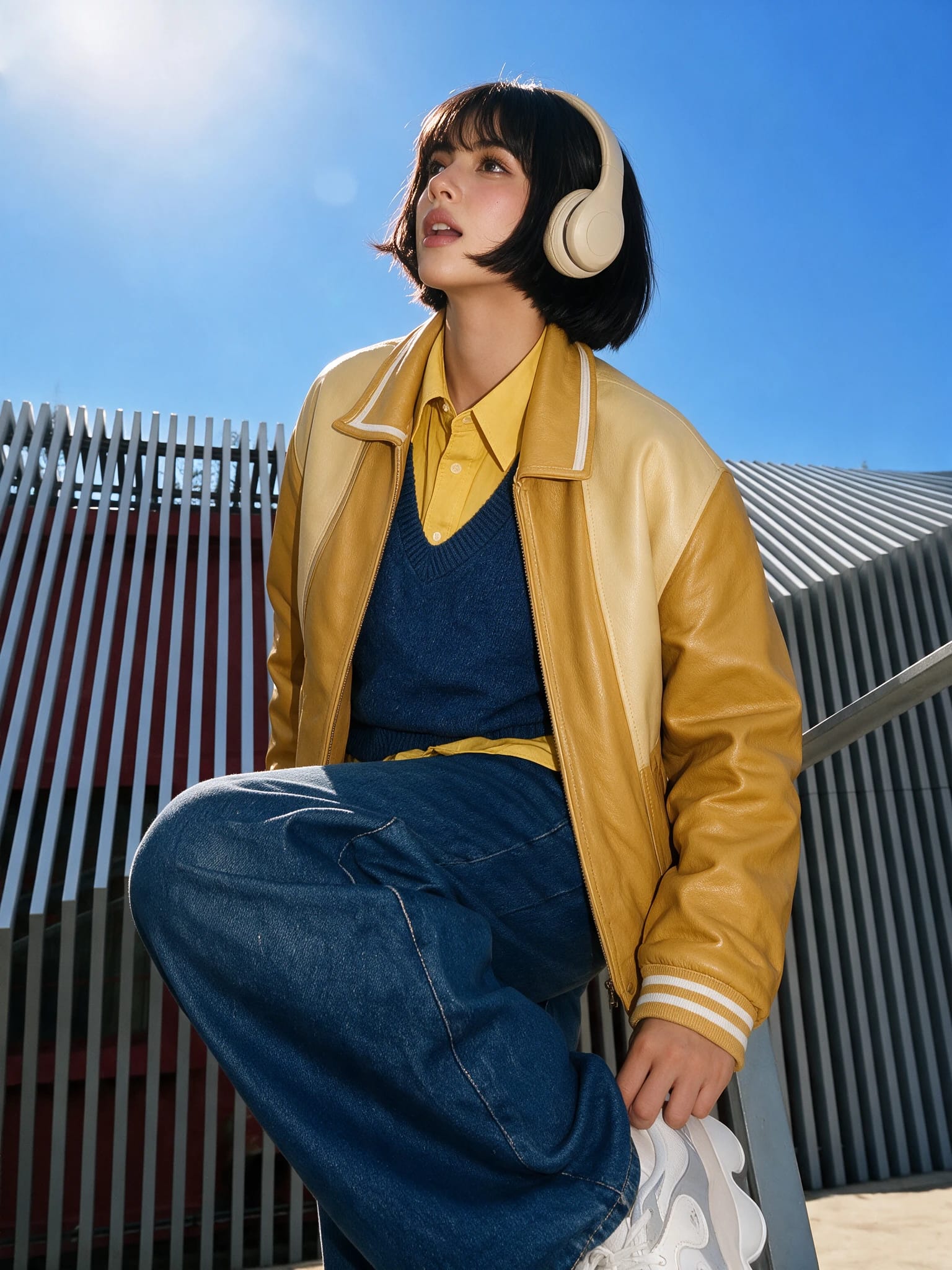
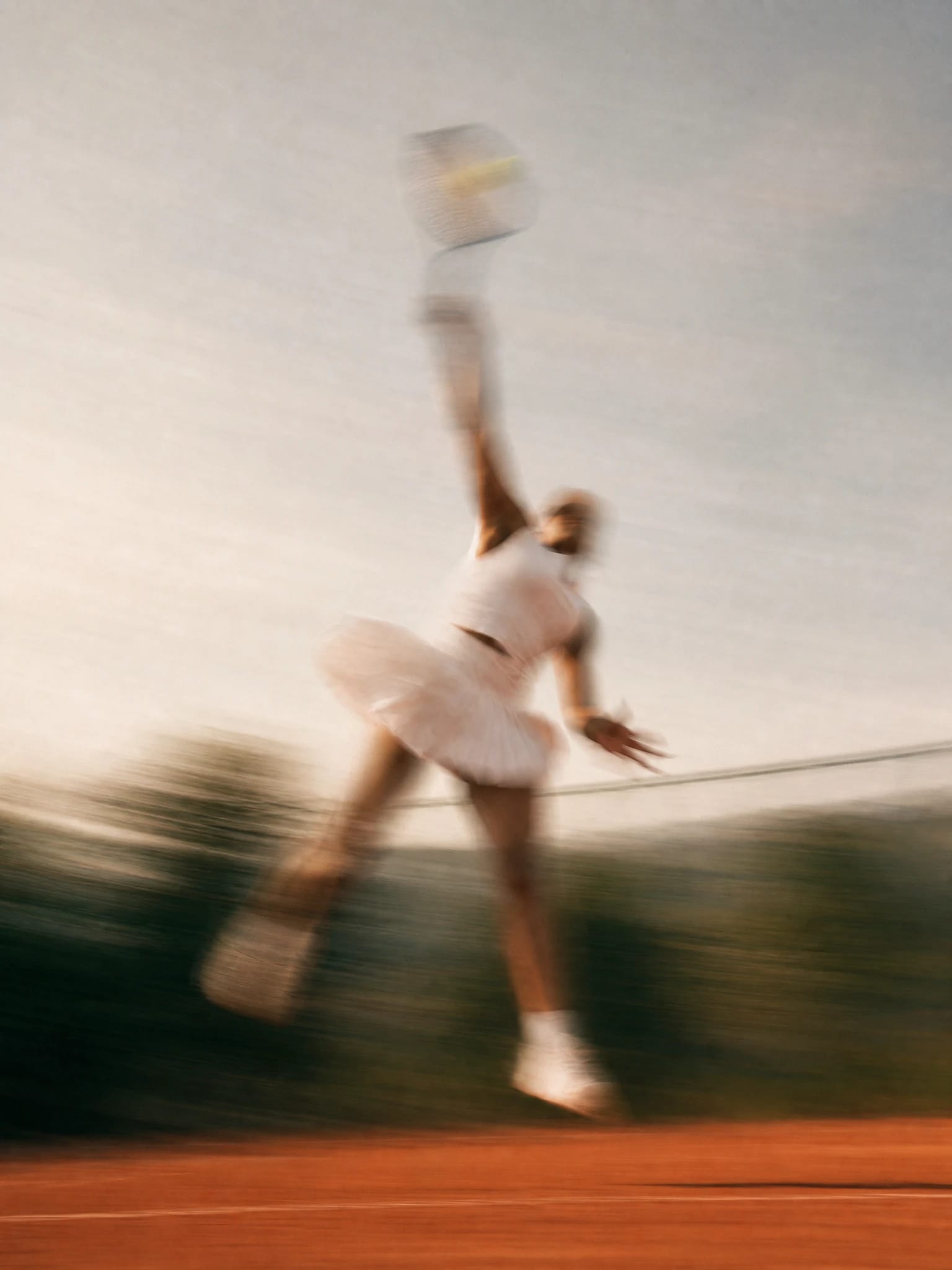
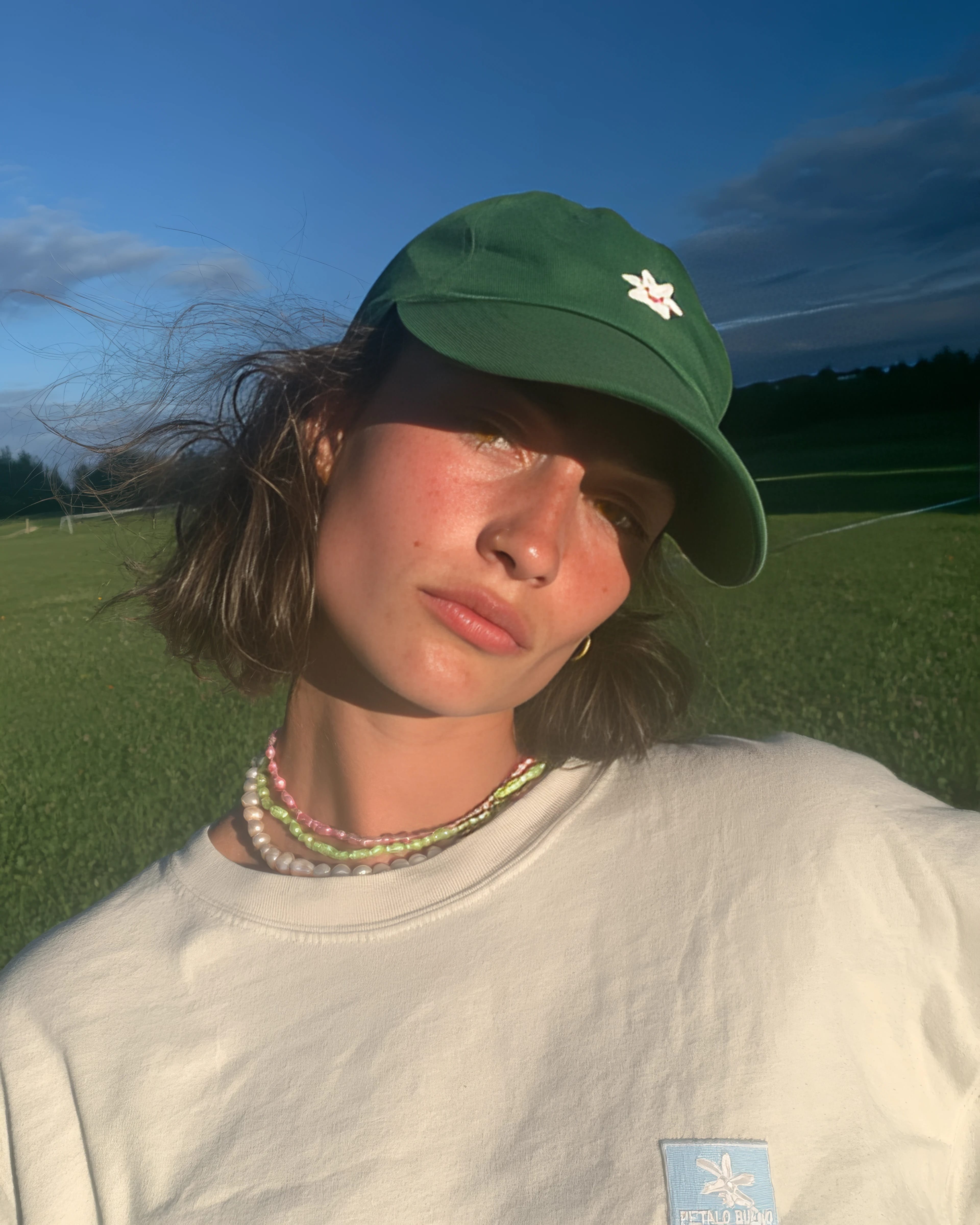
One jacket, a full lookbook. The AI clothes changer swaps the model, the pose, and the location without a shoot.
Background removal
Cut the subject out clean: the background remover handles hair, glass, and soft edges in one click.
Headshots
One selfie in, a full set out: the AI headshot generator keeps lighting, wardrobe, and backdrop consistent.
Translation
Swap the text inside posters, menus, and screenshots with the image translator, layout intact.
Outfits
One jacket, a full lookbook. The AI clothes changer swaps the model, the pose, and the location without a shoot.
Create anything.An AI photo generator built for detail
Every top image model in one place
GPT Image, Nano Banana 2, Seedream 5, Flux, and every new release, all in one generator. Run the same prompt through each, and switch models mid-project.
More than an AI image generator.Video, voice, music are one click away
AI image generation is just the start. Everything you create here connects to video, voice, and music in the same workspace.
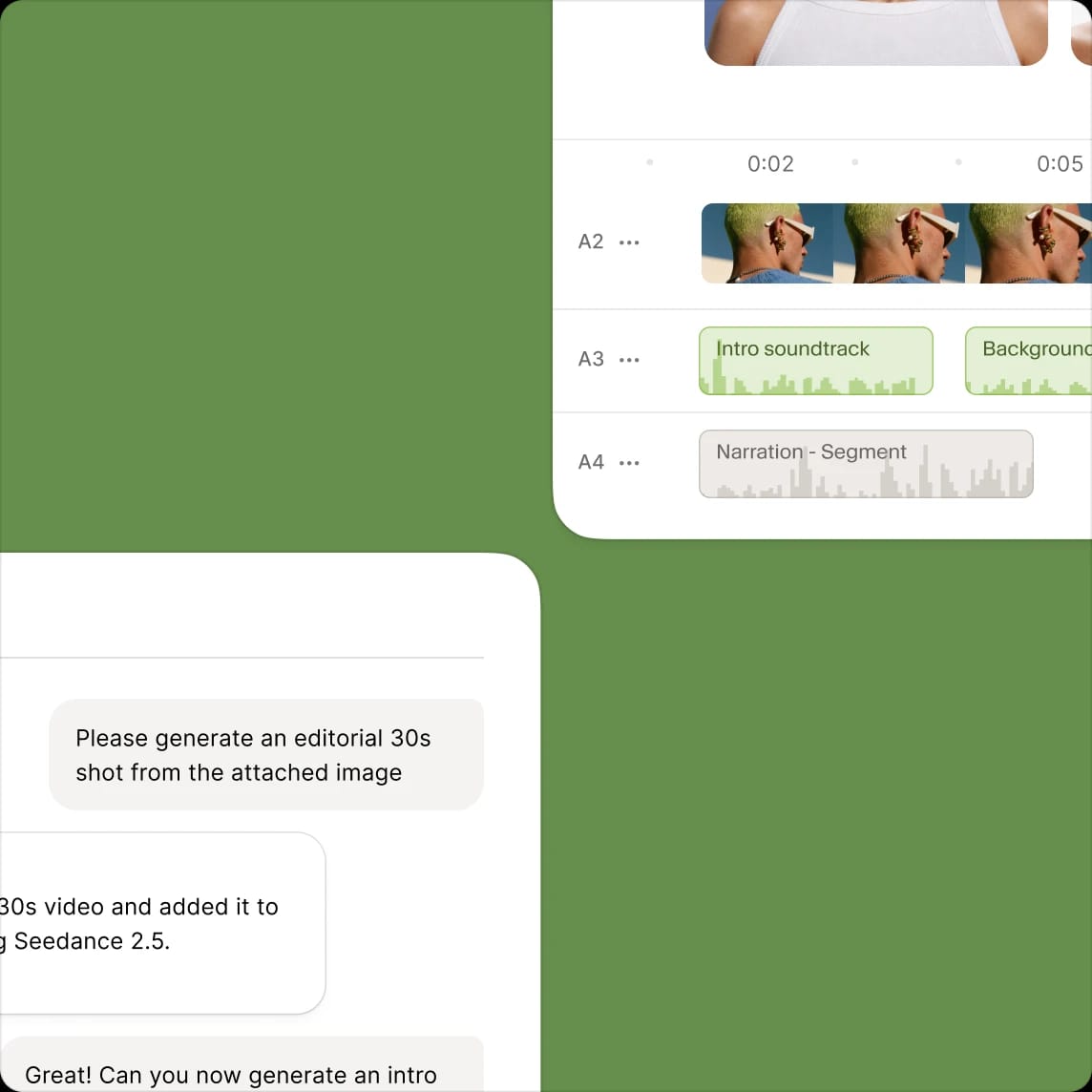
Studio
Take any generation into a timeline, add voiceover, music, and sound effects, and export a finished video without leaving ElevenLabs.
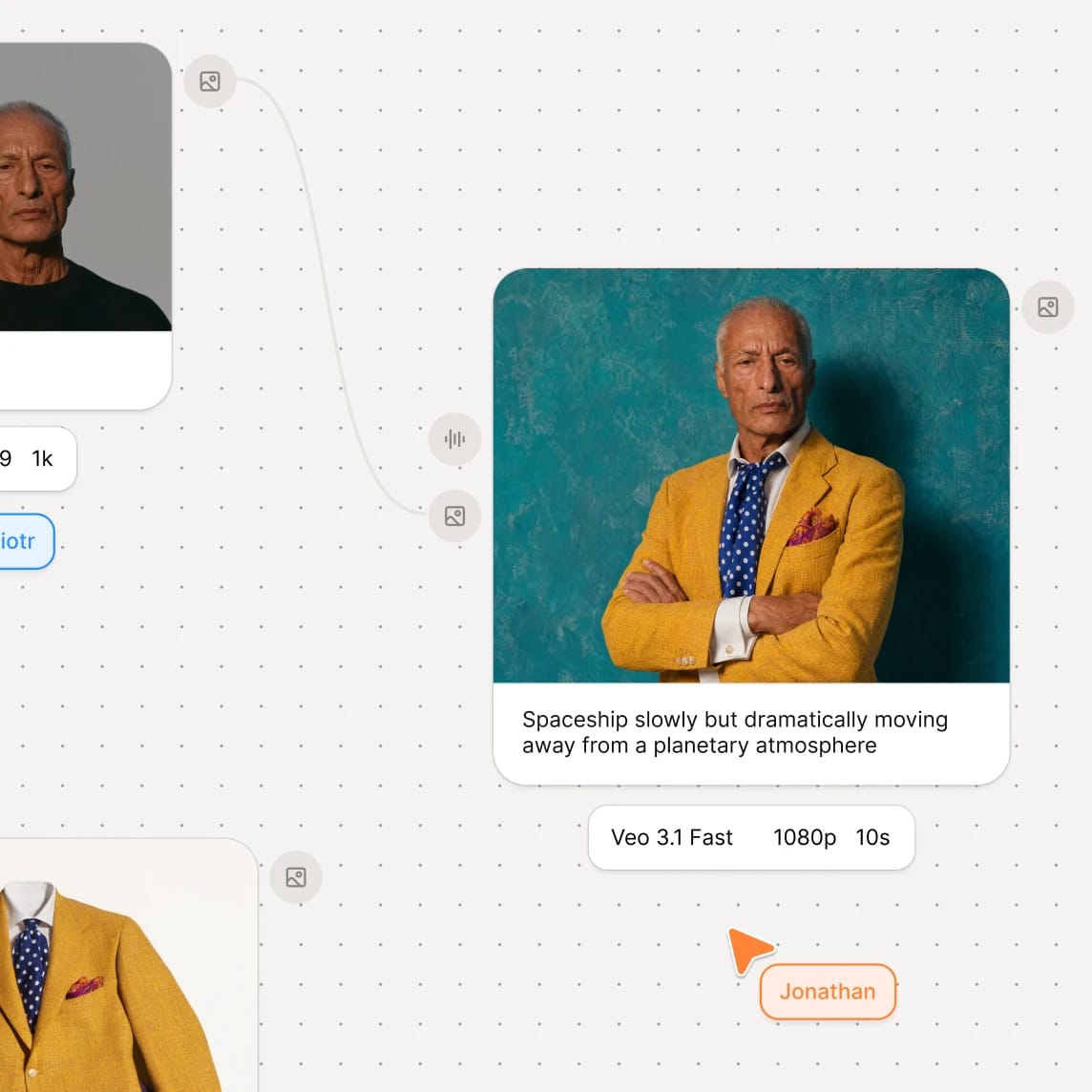
Flows
Chain models, prompts, and assets into a repeatable image generation pipeline. Build it once, run it for every campaign, language, or format.
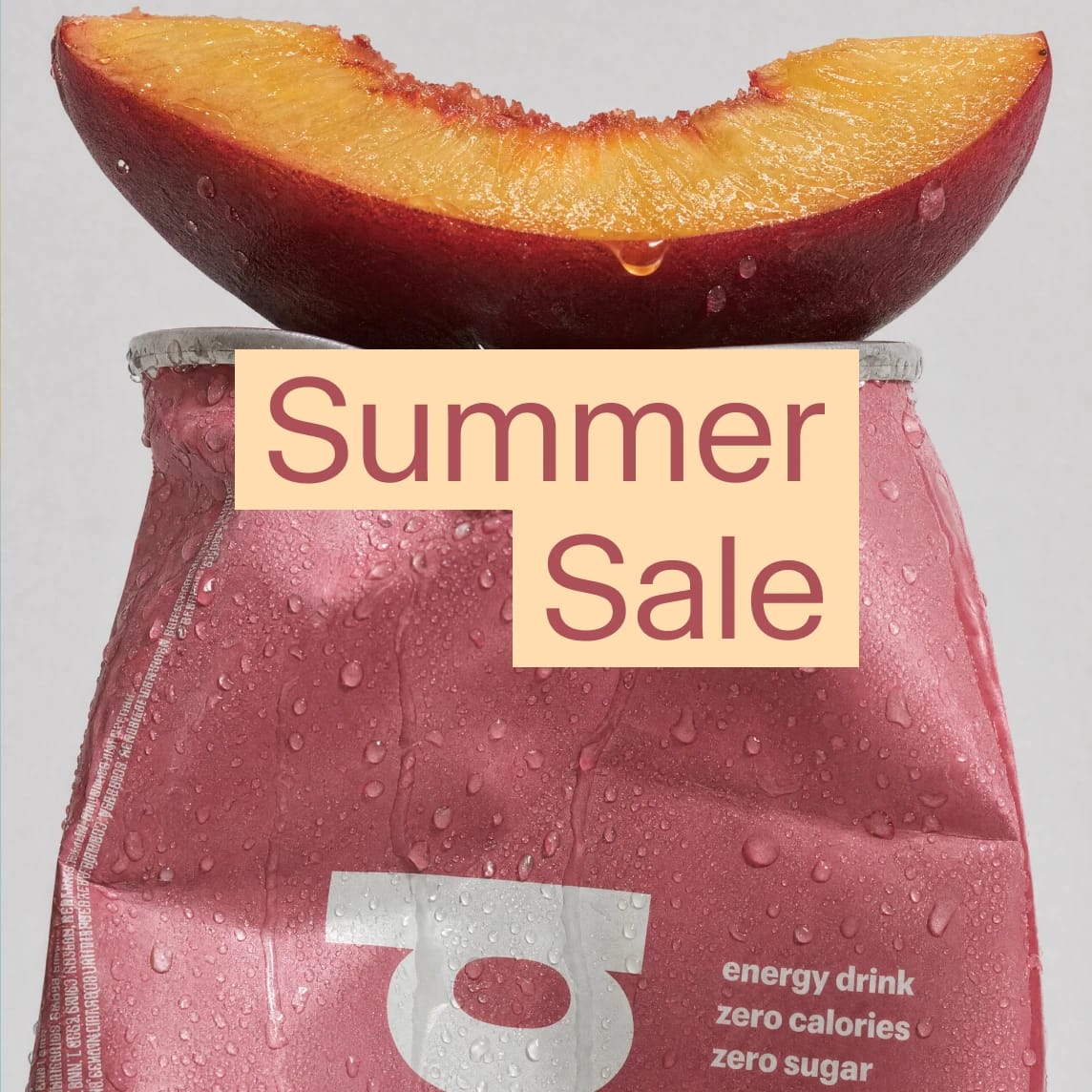
Ads Engine
Turn a visual into a full ad set. Localize the script and the voice, then push it to Google, Meta, and LinkedIn.
And everything around it
Templates
Start from Product Photography, Mockups, or Style Transfer templates with one click and no model picking, or publish your own for the team.
Avatars
Turn a generated portrait into a presenter. Pick a voice and it delivers your script on camera.
Music and sound effects
Score the video you just made. Generate a track, layer sound effects, and mix it in the same project.
Dubbing
Localize the finished piece. Keep the voice, change the language, and ship one asset to every market.
Creating has never been easier.How to generate images with AI
An AI image generator turns a text description into an image: describe what you want, pick a model, and get a result in seconds. Here's how to create images with AI in three steps.
Describe your image
Type a prompt in plain language: subject, style, mood. Add a reference image if you have one.
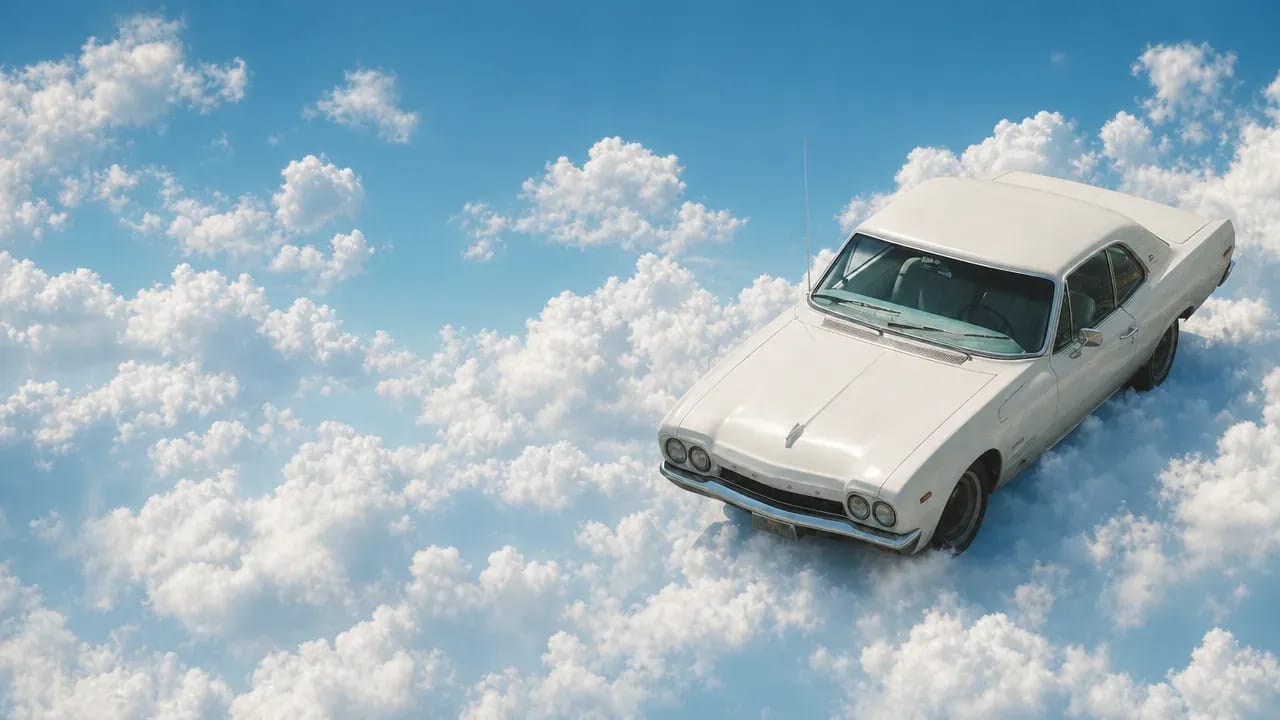
Pick a model and generate
GPT Image, Nano Banana 2, Seedream 5, or any of the latest models.
Refine and download
Fix details with a follow-up prompt, upscale to 4K, and download it.